MCQ2 marks−2/3Geotech
A clay layer takes time to reach 50% consolidation under double drainage. If the same layer is drained only at the top, the time to reach 50% consolidation is
Answer: C
. Single drainage doubles , so time scales by 2² = 4.
Solve GATE Civil Engineering PYQs topic-wise and year-wise, learn from every answer, and take mocks that feel like the real exam. Free, and built for your phone.
Runs in your browser on phone or laptop. No sign-up. Get notified about the Android and iOS apps.
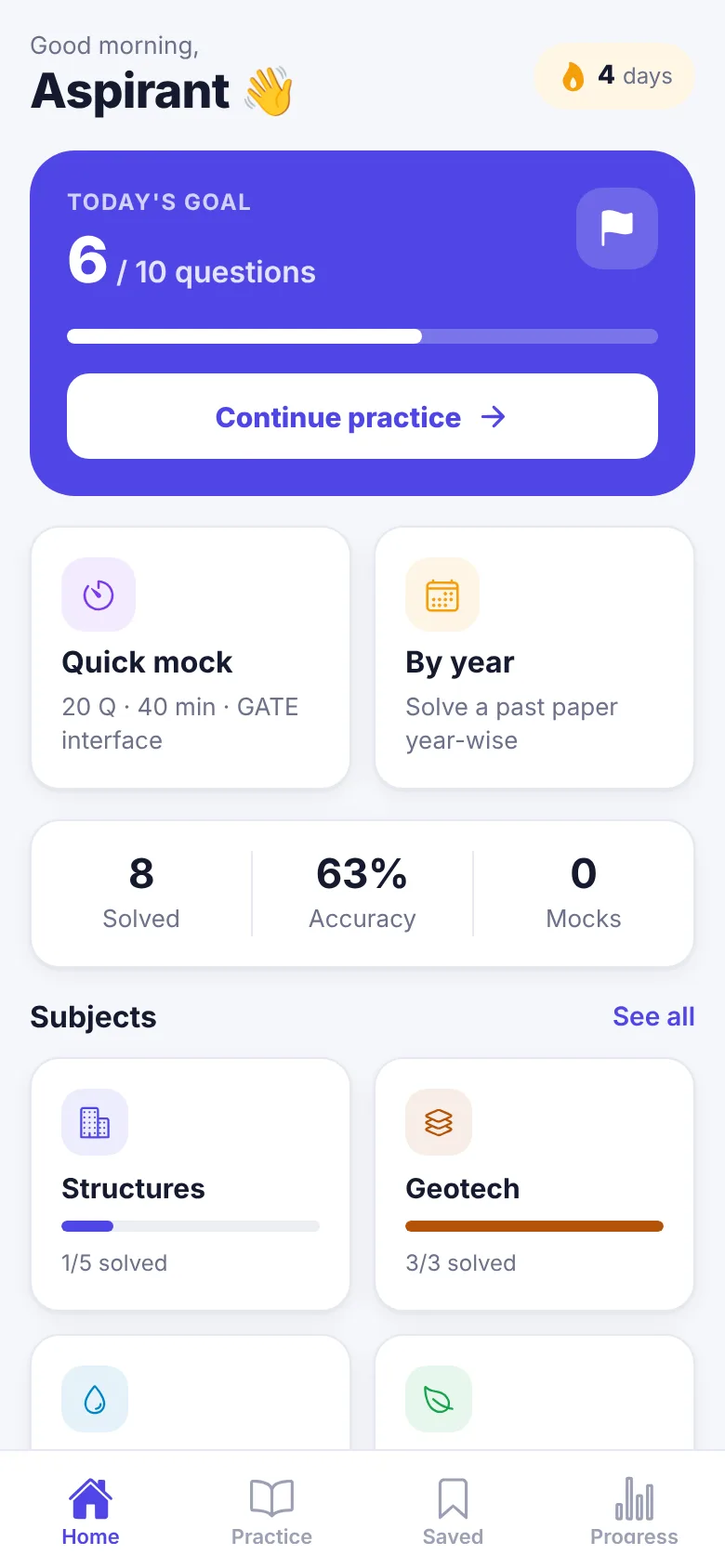
Designed for short daily sessions on a phone and full mocks on a laptop. Calm colours, clear feedback, no clutter.
Pick a subject and topic, or solve a full past paper year-wise. Every question is tagged MCQ, MSQ or NAT with its marks.
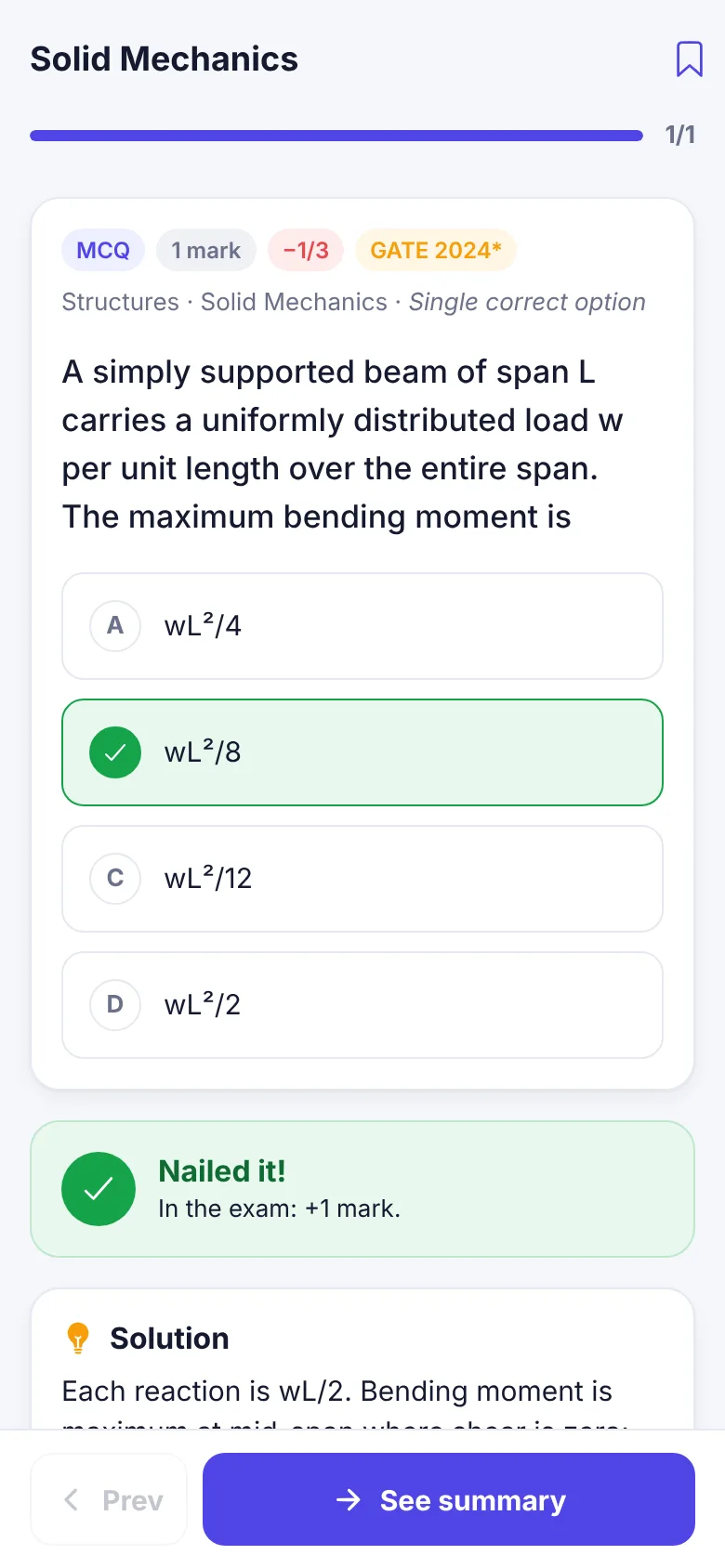
Check an answer and see why it is right, with a worked solution and the marks you would have gained or lost in the exam.
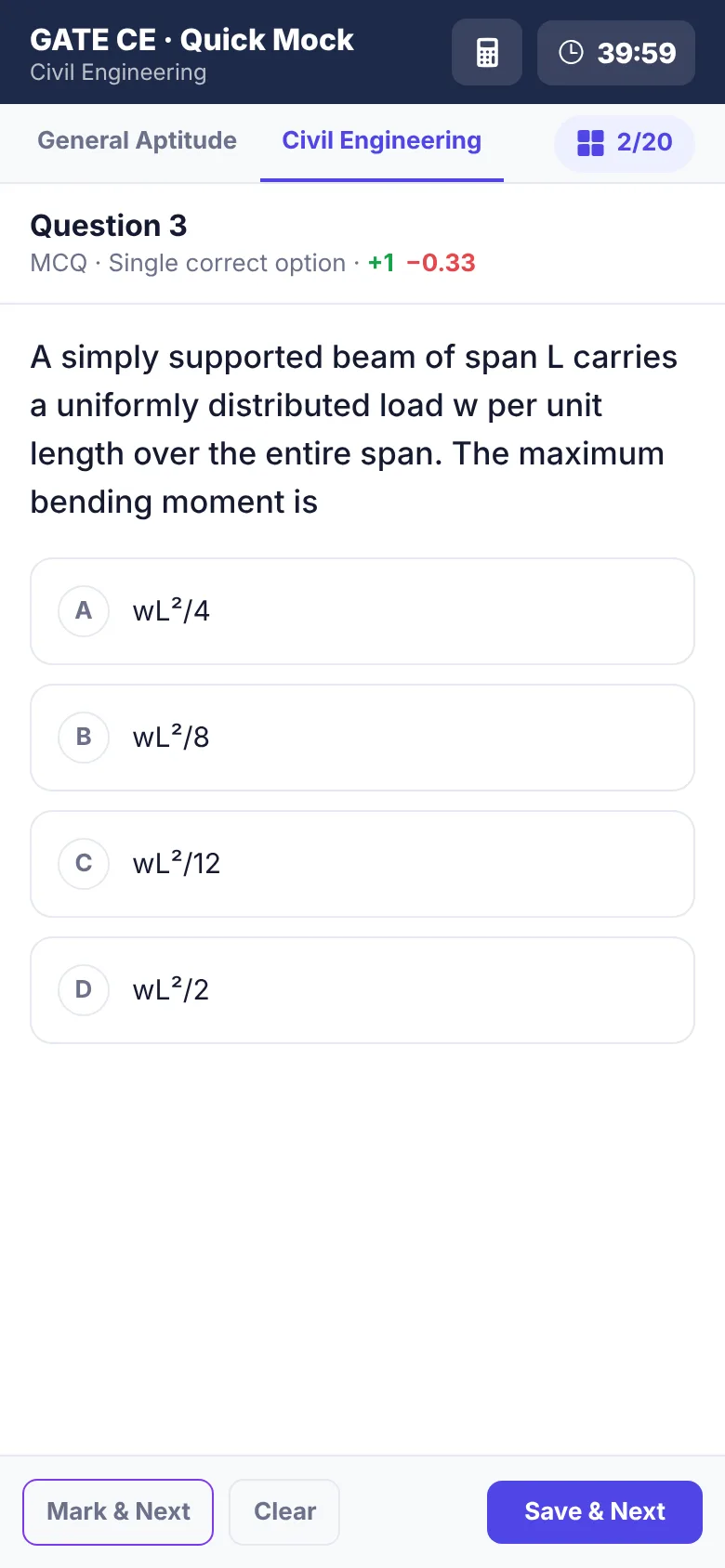
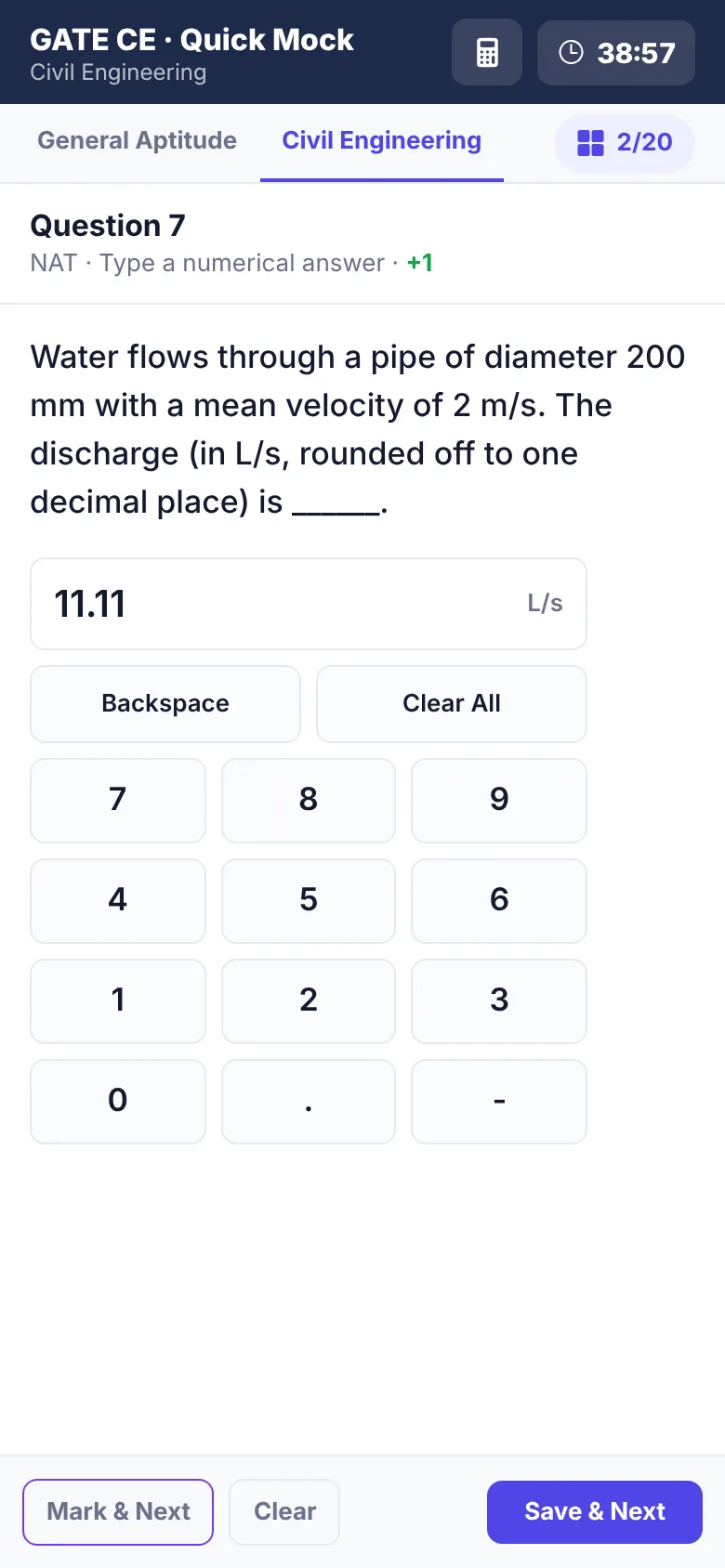
Question palette, Mark for Review, Save & Next, an on-screen NAT keypad, a virtual calculator and a countdown timer.
Ten questions a day adds up. A gentle goal ring and streak keep you coming back without the guilt.
Accuracy per subject and topic, and mock score history, so you revise where it moves your score most.
Your progress and bookmarks stay on your phone. Practise on the metro without signing up for anything.
Screens from the current preview. Sample questions shown are original practice questions.
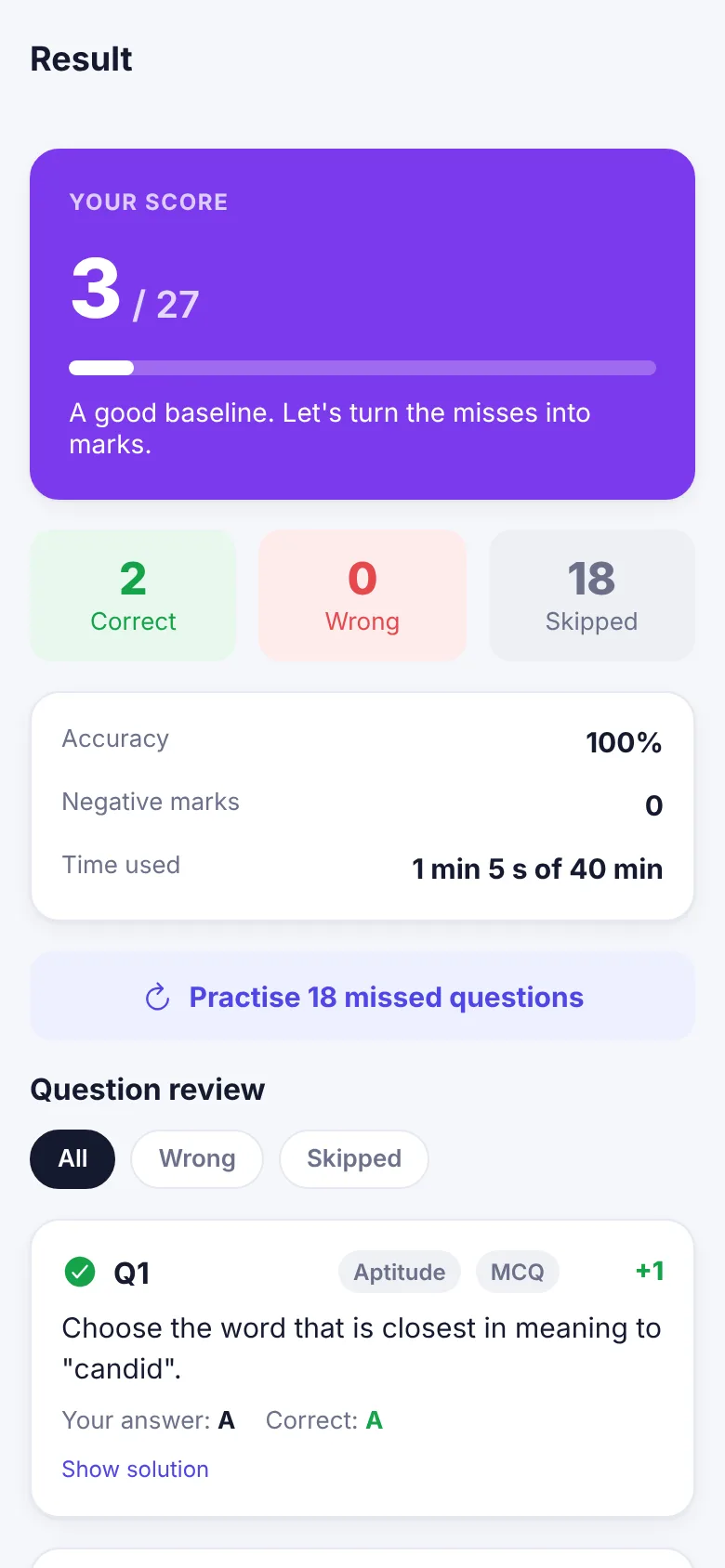
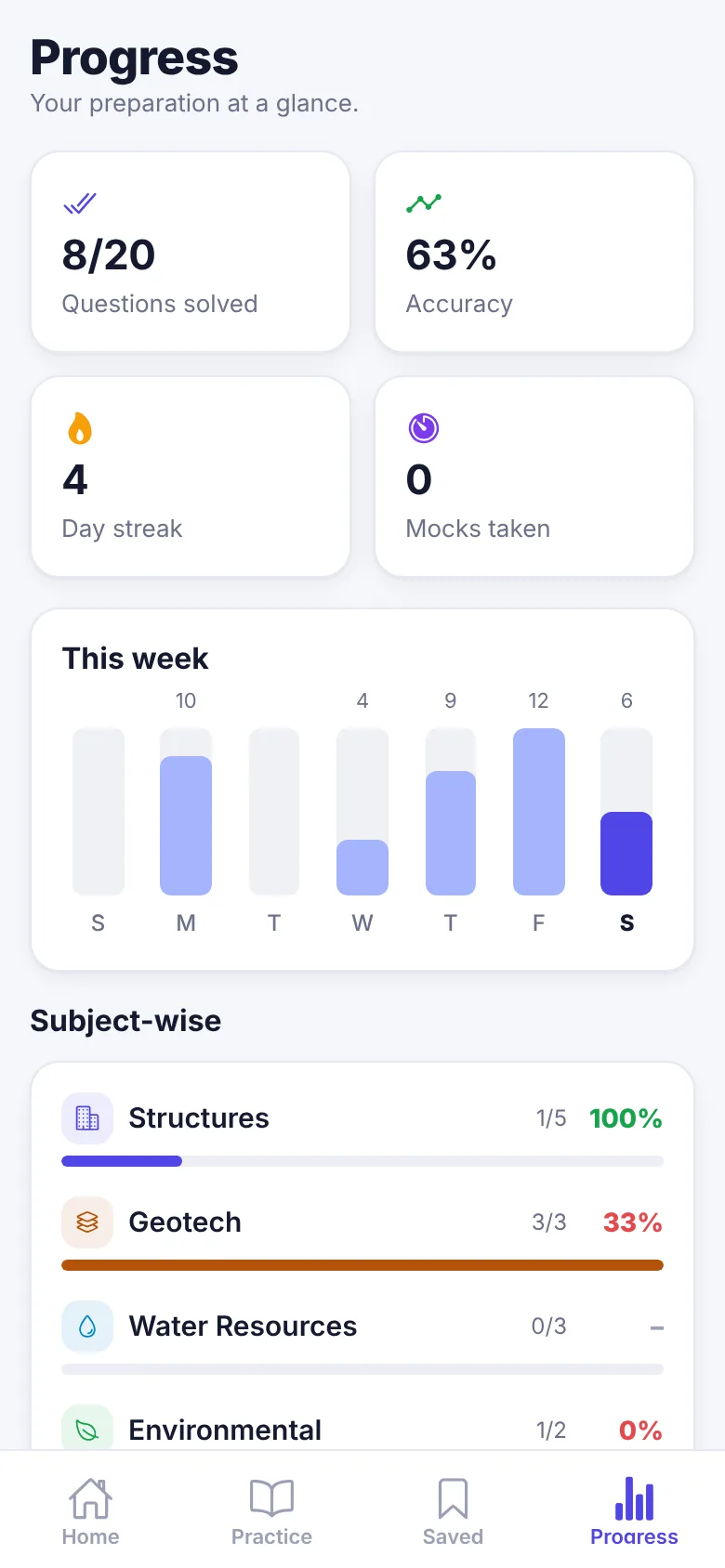
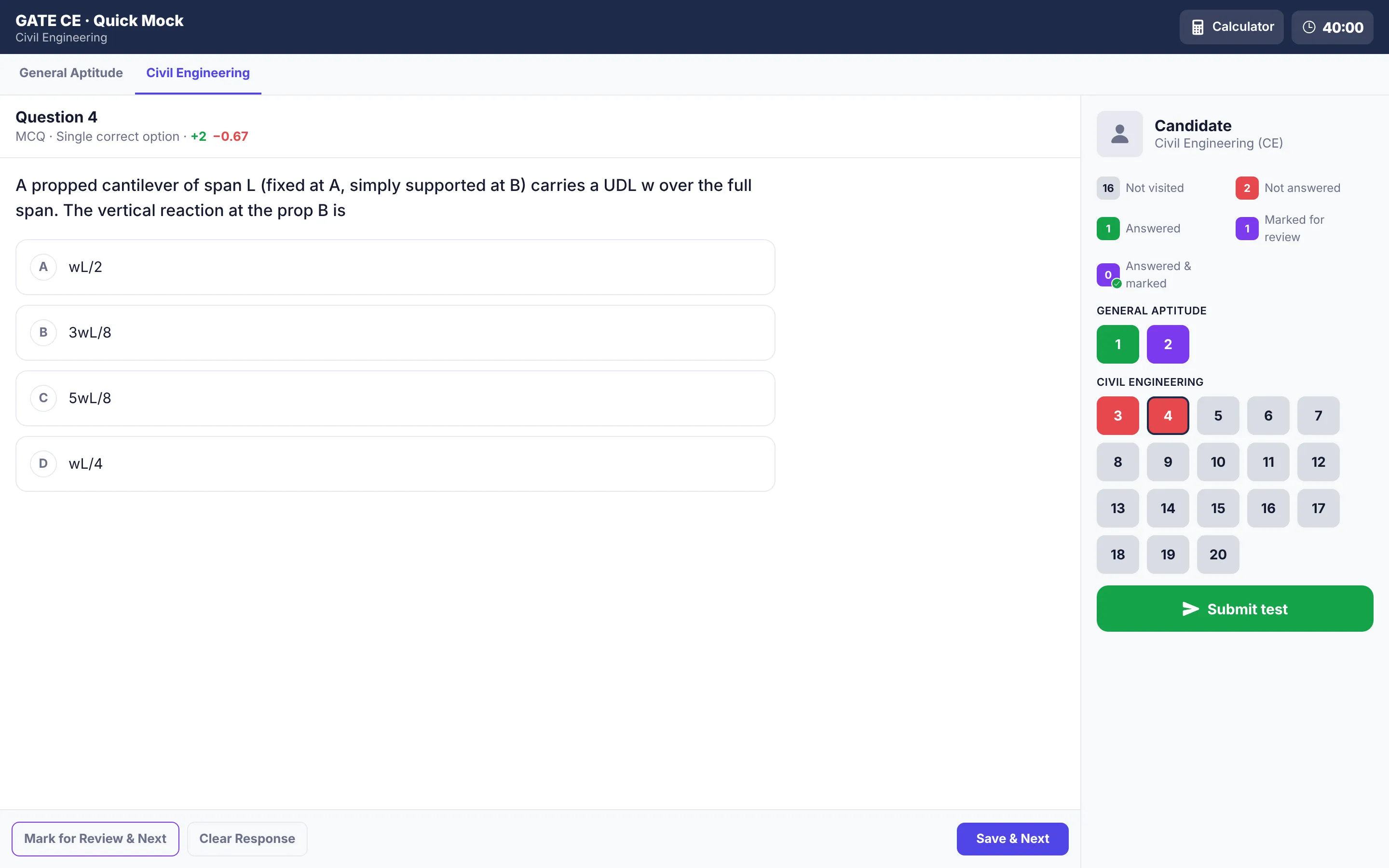
Pick an option and check it. You get the answer, the reasoning, and what it would have meant for your GATE score.
More practice questionsAnswer: C
. Single drainage doubles , so time scales by 2² = 4.
From Structural and Geotechnical to Engineering Maths and General Aptitude.
Engineering Mechanics · Solid Mechanics · Structural Analysis · …
Try sample questionsSoil Mechanics · Foundation Engineering
Try sample questionsFluid Mechanics · Hydraulics · Hydrology · …
Try sample questionsWater and Wastewater Quality and Treatment · Air Pollution · Municipal Solid Wastes · …
Try sample questionsTransportation Infrastructure · Highway Pavements · Traffic Engineering
Try sample questionsSurveying (levelling, traversing, curves) · Photogrammetry, Remote Sensing, GIS, GNSS
Try sample questionsLinear Algebra · Calculus · Ordinary Differential Equations · …
Try sample questionsVerbal Aptitude · Quantitative Aptitude · Analytical Aptitude · …
See topicsOpen the app and continue where you left off. Ten questions is today's goal.
Read the solution, bookmark the tricky ones, and watch your accuracy climb.
Take a timed mock with GATE's interface and marking, then review every question.
Yes. Practice, solutions, progress tracking and the mock test are free right now. We may add an optional paid plan later for extras, and the core practice will stay free.
We are building a bank of GATE Civil Engineering questions from past papers, tagged by subject, topic, year and question type (MCQ, MSQ, NAT), each with a worked solution. Questions are added year by year; the app shows which years are ready.
No. EngiRank is an independent study app and is not affiliated with IISc, the IITs or the GATE organising institute. For official notices, papers and answer keys, always check the organising institute's website.
It follows the GATE interface conventions: question palette colours, Mark for Review, Clear Response, Save & Next, an on-screen keypad for numerical answers, a virtual scientific calculator and a countdown timer. Marking follows GATE rules, including negative marks for wrong MCQs only.
Exactly as in GATE: a wrong 1-mark MCQ costs 1/3 mark and a wrong 2-mark MCQ costs 2/3 mark. MSQ and NAT questions have no negative marks and no partial credit. In practice mode we show the marks you would have gained or lost after each answer.
Yes. EngiRank runs in any modern browser at app.engirank.com, on phones, tablets and laptops. Practice is designed for short sessions on a phone; the mock test switches to a GATE-like layout with a side palette on larger screens.
No. Your progress, bookmarks and mock history stay on your device. Accounts and sync across devices will be optional later.
Not yet. The web app works well on phones today; you can add it to your home screen from the browser menu. Leave your email at the bottom of the home page and we will tell you once when the Android and iOS apps launch.
Free, in your browser, no sign-up.
Open EngiRankPrefer an app? Get one email when Android and iOS launch.